Adding Command Palette to Playground
A quick look at how I implemented a keyboard-driven shortcuts using shadcn/ui.1 min read
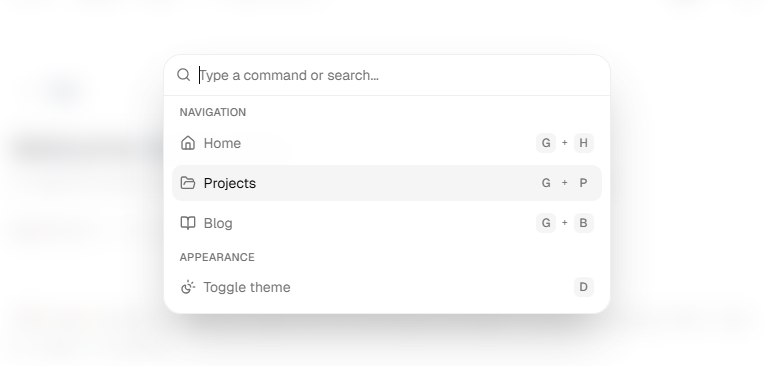
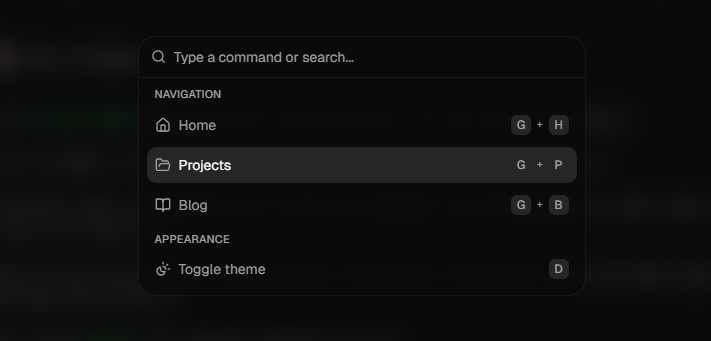
One small feature I recently added to Playground is a command palette inspired by modern developer tools.
It allows quick navigation using keyboard shortcuts like:
G + H→ HomeG + P→ ProjectsG + B→ BlogD→ Toggle theme
Preview
How I built it
The command palette is built using cmdk through shadcn/ui components, with custom keyboard listeners for shortcuts and navigation.
For displaying shortcuts consistently, I used the shadcn Kbd component:
shadcn/ui Kbd Component
This made the shortcut UI feel much cleaner and closer to native command menus used in modern apps.
Why I added it
I wanted the portfolio to feel more interactive and keyboard-friendly instead of being just another static developer portfolio.
Small UX details like this make the site feel much more polished.